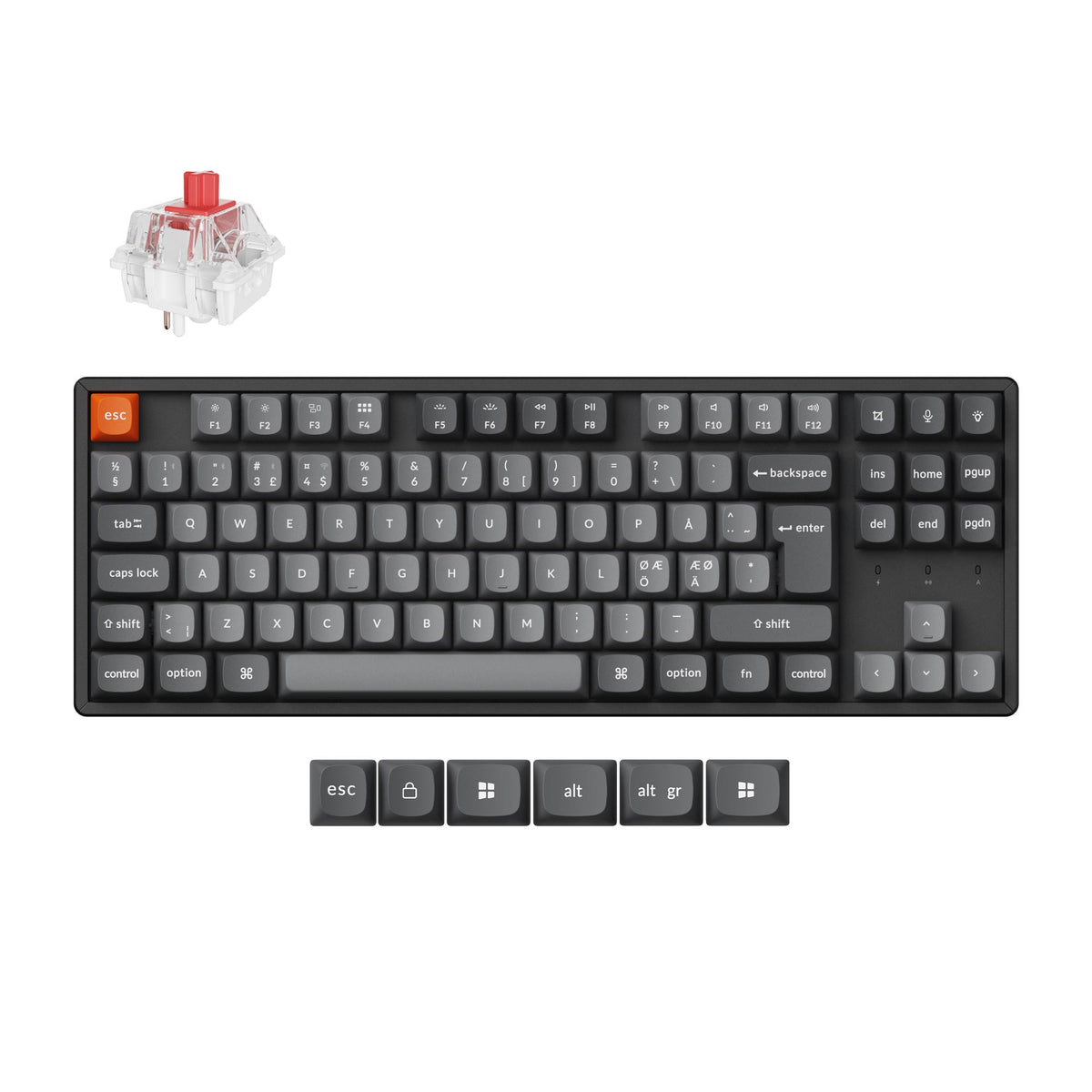
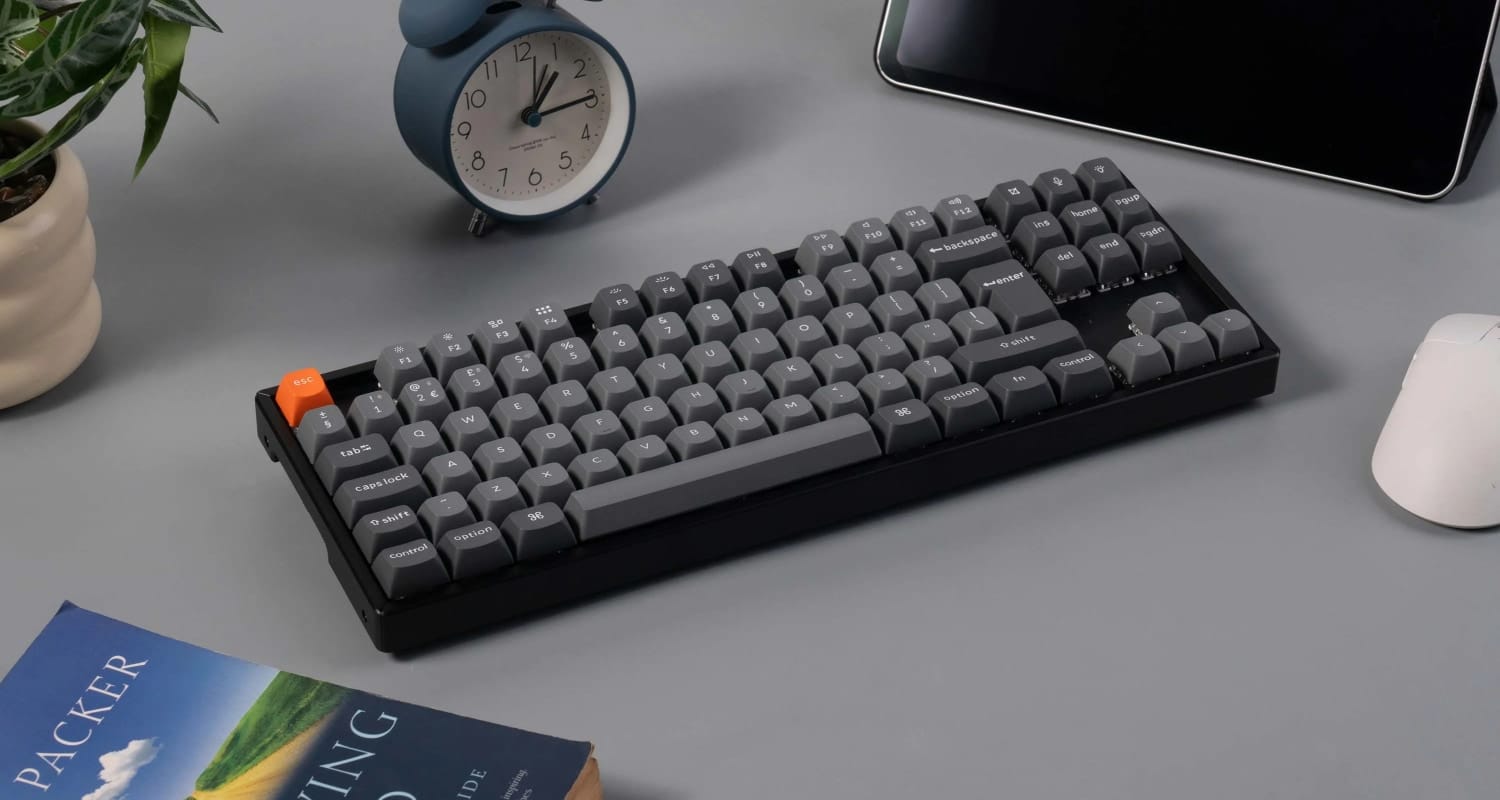
The Keychron K8 Max is a wireless 80% mechanical keyboard that brings QMK firmware, 2.4 GHz wireless and hot-swappable switches to Keychron's long-running K8 design, and it is available in a proper UK ISO layout. That last point matters more than it should. Plenty of enthusiast keyboards only ship in ANSI, leaving UK typists to relearn where the @, " and # keys live. The UK ISO version, sold through Keychron's UK store for £119.99, comes fully assembled with an aluminium frame, RGB backlighting and your choice of three Keychron Super switches.
The Layout
The K8 Max uses an 80% layout, often called tenkeyless or TKL, which keeps the function row, arrow keys and navigation cluster but drops the number pad. It measures 354.21 x 124.18 mm, so it frees up a useful amount of desk space for your mouse without asking you to give up any keys you use every day. If you have come from a full-size board, the only real adjustment is entering numbers from the top row.
The UK ISO version gives you the tall, two-row Enter key, a short left Shift with an extra key beside it, and the UK legends for £, @, " and # exactly where you expect them. Keychron includes keycaps for both macOS and Windows, so the modifier keys can match whichever machine you use most. It works with Mac, Windows and Linux, which makes it a straightforward choice if you move between systems during the day.
The Build
The K8 Max is heavier than it looks. The body pairs an ABS case with an aluminium frame, and at 1158 g it stays planted on the desk rather than sliding around when you type quickly. The UK ISO model only comes in this aluminium-framed version, which is the top of the K8 Max range elsewhere, so you are not left choosing between the right layout and the better build.
The keycaps are double-shot PBT, which means the legends are moulded in rather than printed and will not wear off, and PBT resists the shine that cheaper ABS caps develop over time. Keychron's global store lists the UK ISO version with OSA-profile keycaps, a gently sculpted profile that sits between the familiar Cherry and taller spherical shapes. For switches, you choose between Keychron Super Red, Super Brown and Super Banana. The Red is a smooth linear switch, the Brown is tactile, and the Banana is a second tactile option for anyone who wants a more noticeable bump.
Connectivity
The K8 Max gives you three ways to connect: a 2.4 GHz wireless receiver, Bluetooth 5.1 and a wired USB connection. Bluetooth can pair with up to three devices, so you can switch between a laptop, a desktop and a tablet without re-pairing each time. The 2.4 GHz link is the one to use for anything where responsiveness matters, and Keychron quotes a 1000 Hz polling rate, which means the keyboard reports to your computer up to 1000 times a second.
N-key rollover is supported in both wireless and wired modes, so every key you press registers even when you press several at once. Inside is a 4000 mAh battery that Keychron rates at up to 190 hours. RGB lighting will cut into that figure, but even with the lights on you should expect to charge it far less often than a typical wireless keyboard.
Hot-Swap and Customisation
The switches are hot-swappable, so you can pull them out and fit different ones without soldering. The K8 Max accepts any normal-profile MX-style mechanical switch, which opens up a huge range of options if the Super switches are not quite to your taste. That makes it a low-risk way into the hobby: choose a switch now, and if you change your mind later, a new set of switches costs far less than a new keyboard.
On the software side, the K8 Max runs QMK, the open-source keyboard firmware, and is configured through the Keychron Launcher web app. Launcher lets you remap any key, build macros and set up layers straight from your browser, with no driver to install. Keychron also lists VIA support for the board. Lighting offers 22 RGB effects, which is more than enough to find something subtle for the office or something louder for the evening.
Getting Started with the K8 Max
Before anything else, swap in the macOS or Windows modifier keycaps to match your main machine, and give the battery a full charge over the USB cable. From there, choose your connection mode. The 2.4 GHz receiver is the simplest option for a desktop, while Bluetooth suits a laptop or tablet you move around.
To customise the layout, plug the K8 Max in with the cable and open the Keychron Launcher web app in a Chromium-based browser such as Chrome or Edge. Launcher detects the keyboard automatically and shows its layout on screen, so you can click a key, choose what it should do and save the change straight to the keyboard. Your remaps live in the keyboard's firmware, so they follow it to every computer you connect it to.
Conclusion
In this article, we walked through the K8 Max's 80% UK ISO layout, its aluminium-framed build and double-shot PBT keycaps, its three connection modes and long battery life, and the hot-swap and QMK customisation that sit underneath. It does not reinvent the K8, but it fixes the things that used to hold it back, adding 2.4 GHz wireless, 1000 Hz polling and proper firmware remapping. At £119.99, with a genuine UK ISO layout and the better build as standard, it is an easy recommendation for UK typists who want a compact wireless keyboard they can grow into.
 ISO Keyboards